This website uses cookies.
By continuing to browse, you accept our use of cookies as explained in our Privacy Policy.

Money Saving Flag Packs

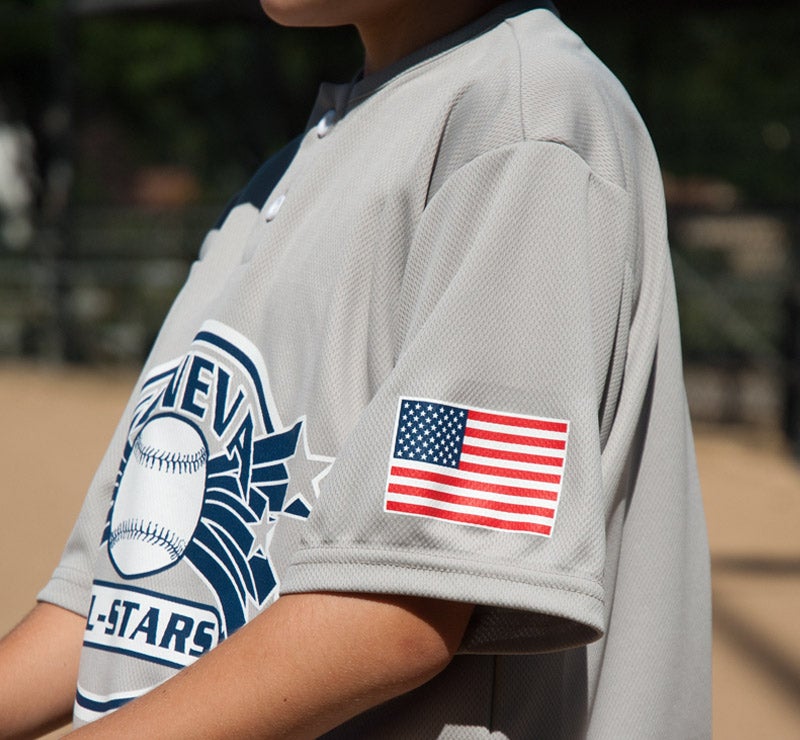
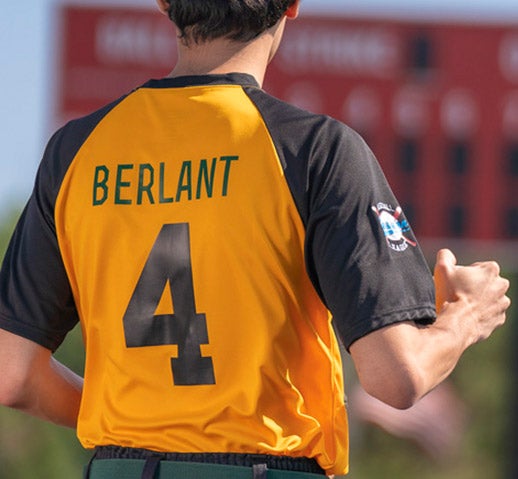
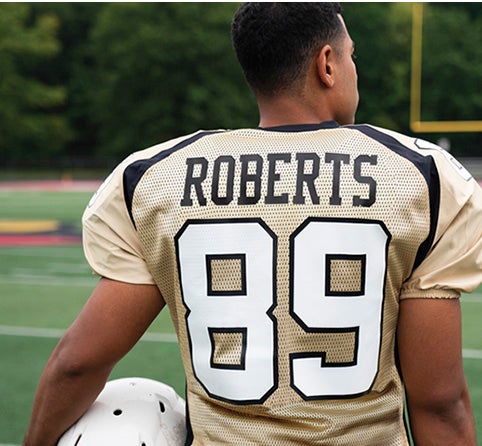
Make your local sports teams feel like the big league pros by adding an extra patriotic touch to their uniforms.

Add patriotism to team uniforms.

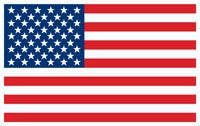
Screen Printed American and Canadian Flags

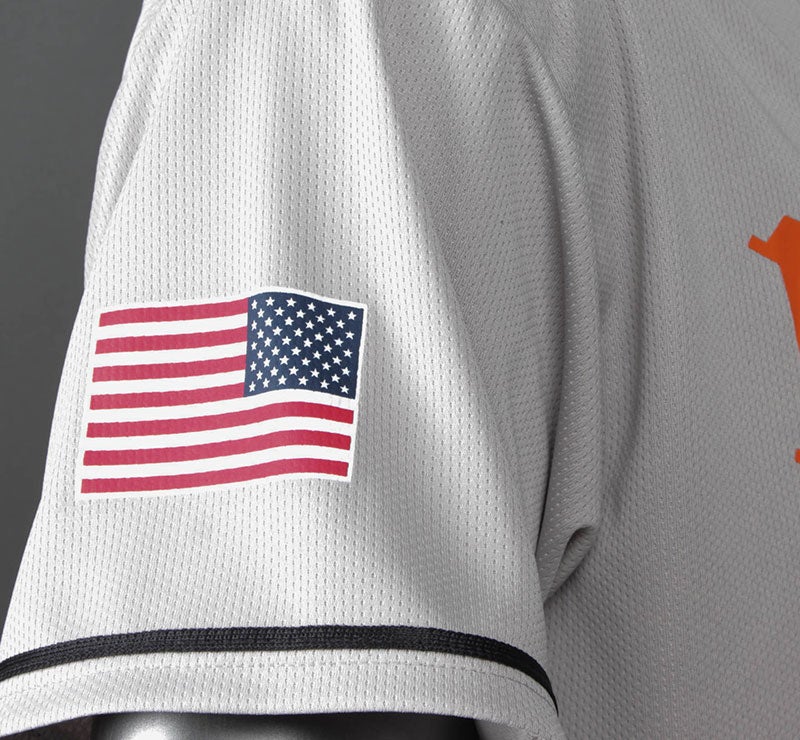
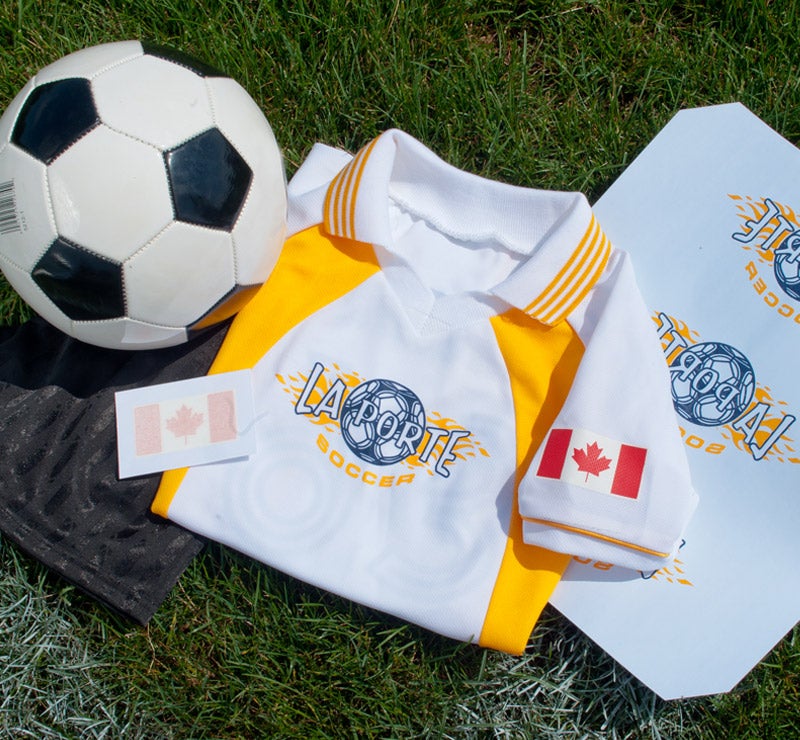
  • Available in 2" x 3" Red, Navy, and White American flags, or 1.5" x 3" Red and White Canadian flags
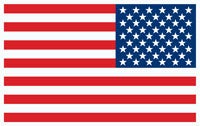
  • US flag available facing both directions for each of the right and left sleeves
  • Transfer type: Goof Proof®
  • For light or dark fabrics
  • Small enough to go anywhere on the uniform, from sleeves to above player names
  • Recommended fabrics: cotton, polyester, cotton/poly blends


Add to Cart
Please select samples or add an Other sample type and try again.
Learn More About Stock Screen Printed Flag Packs

Styles


Styles Available

USA

USA

Pack of 50 2"x3"

Screen printed transfer

USA - reversed (perfect for right sleeve)

USA - reversed (perfect for right sleeve)

Pack of 50 2"x3"

Screen printed transfer

Canada

Canada

Pack of 50 1.5"x3"

Screen printed transfer


Production Times

Order stock flag packs by 3 pm ET and your order will ship same day!


Shipping Times

Flat rate $15 shipping on all custom transfer orders.

All custom transfers arrive in 2 days or less using UPS Ground, to the 48 contiguous states.

Outside of 2 day ground service? We'll upgrade you to our Speedy Air at no extra charge, so you'll still receive your package in 2 days!


How to Apply


Pre-Production: Please check transfers carefully before heat-applying.

Set Temperature: Set the press to 360-370°F.

Pre-Heat Garment: First, place the garment on platen, heat press for 3-5 seconds or until there is no more steam to remove wrinkles and moisture. Ensure there are no obstructions such as buttons, pockets, or seams. If there are, raise only the print area with a Print Perfect Pad.

Position & Press: Place the transfer on the garment so that the ink side is facing down. Close the heat press and heat for 4-6 seconds.

Peel Hot: Open the press and peel the carrier in a smooth, even motion.


Application Settings

Icon Time: 4-6 Seconds
Icon Temperature: 360-370°F
Icon Pressure: Medium/Firm 6-8 (60-80 psi)
Icon Peel: Hot


Note: The recommended time, temperature, and pressure settings are for Stahls' Hotronix® heat press machines. Settings on other heat presses may vary.


Additional Notes

  • Works on polyester mesh. Remember the holes "poke" through, so use a slip sheet between the layers.
  • For a glossy retro look, cover the finished print with a reusable cover sheet and heat press again.
  • Perfect size for sleeves or the high back area of a uniform!
  • Need another size? Use one of our flag clip art and choose the size and colors needed.


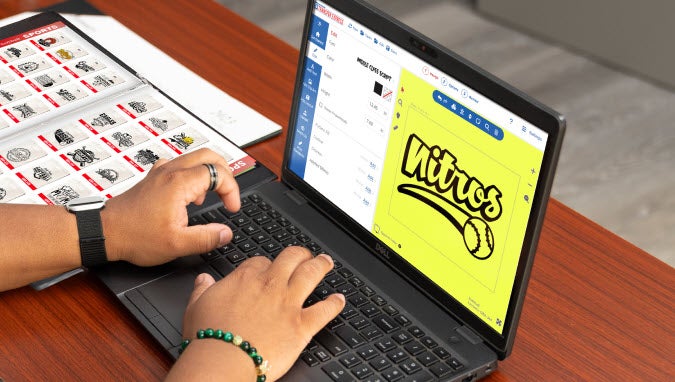
Design Screen Printed Transfers in Easy View® Designer
With over 250 fonts, 90 ink colors, and thousands of quality clip art choices, you can customize any layout to have a unique, personal look for all of your screen printed transfers.
Icon Quality features with no hidden fees or charges
Icon Create custom t-shirt designs with ease
Icon Receive free samples in the mail
Image
CREATE YOUR ACCOUNT TODAY
Hi! I’m R.O.S.I.E., the Robotic Online Support Information and Education bot. What answers can I help you find today?